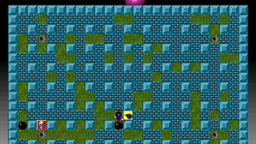
Rating
| Aspect | Score (of 100) | What was measured | |
|---|---|---|---|
| Frame rate (22) | 69/100 | median 50 fps, 1% low 28 | |
| Smoothness (18) | 54/100 | 2.1 s of stutter a minute, longest frame 2381 ms | |
| Sound (12) | 99/100 | 0.2 audible sound dropouts a minute | |
| Picture (12) | 100/100 | nothing wrong found | |
| Stability (12) | 90/100 | 0 crashes, 0 unclean quits in 0.1 h of play (provisional: under 1 h) | |
| Controls (10) | 60/100 | 3 of 5 tested checks pass; not: the menus work with the gamepad; nothing needs the keyboard | |
| Display (6) | 85/100 | fullscreen 1920x1080; text 12 px high at 1080p -15 | |
| Features (5) | 100/100 | 1 of 1 tested checks pass | |
| Load (3) | 98/100 | 16 s to the game's first screen (the level load not measured: no play mark or no input log) |
- Controls: not the menus work with the gamepad (the gamepad doesn't move in the menus (the player; BomberClone's menus read the keyboard only)) also on the PC
- Controls: not nothing needs the keyboard
Rated from 1 session, 5 minutes of play on bomberclone 0.11.9-9 (Walnut 0.1). Details
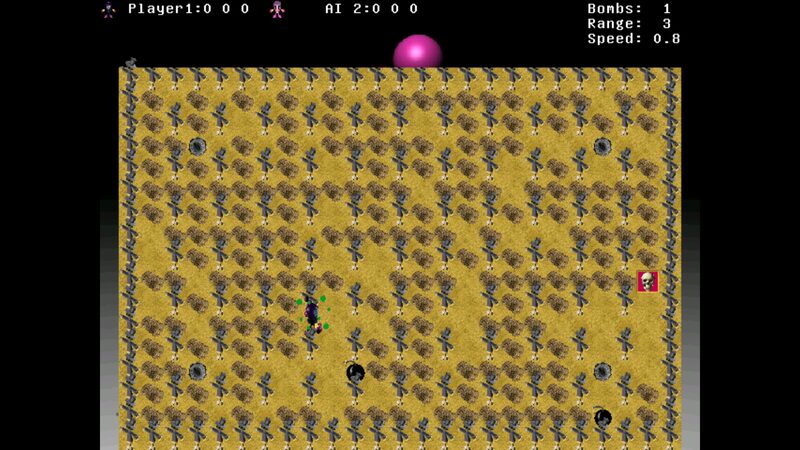
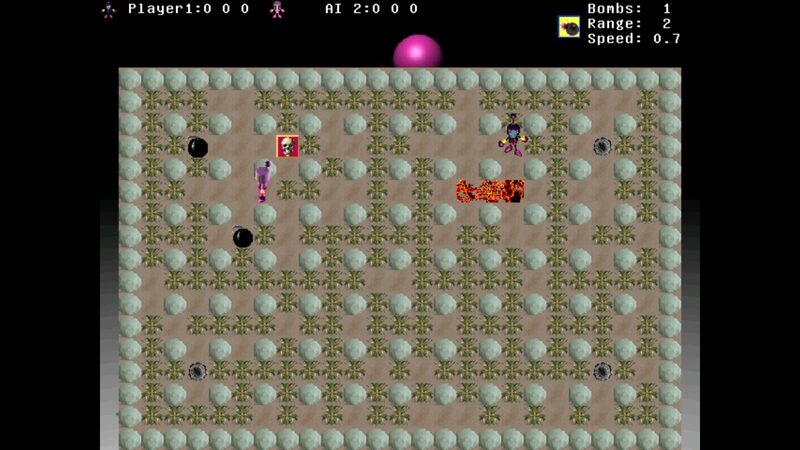
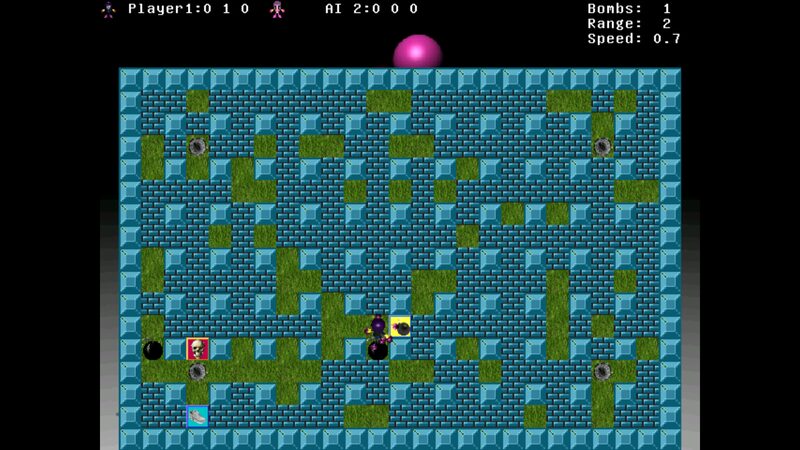
Screenshots
As rendered on the PS3.
Installation
In Walnut Games, the desktop app: Install. It is then in the desktop's Games menu too.
Or from a terminal, from Walnut's apt repository:
sudo apt install bomberclone bomberclone-data
Known issues
- The gamepad works in matches but not in the menus: they need the keyboard. Fixed in our next bomberclone (the pad works the menus, checked with a virtual pad).
- The HUD text is small at 1080p.
The game's home page: https://www.bomberclone.de/. License: GPL-2.0-only.