Rating
| Aspect | Score (of 100) | What was measured | |
|---|---|---|---|
| Frame rate (22) | 93/100 | median 59 fps, 1% low 40 | |
| Smoothness (18) | 91/100 | 0.2 s of stutter a minute, longest frame 412 ms | |
| Sound (12) | 100/100 | 0.0 audible sound dropouts a minute | |
| Picture (12) | 100/100 | nothing wrong found | |
| Stability (12) | 91/100 | 0 crashes, 0 unclean quits in 0.3 h of play (provisional: under 1 h) | |
| Controls (10) | 100/100 | 1 of 1 tested checks pass (designed for keyboard and mouse: the gamepad only makes the badge) | |
| Display (6) | 100/100 | fullscreen 1920x1080 | |
| Features (5) | 100/100 | 1 of 1 tested checks pass | |
| Load (3) | 91/100 | 20 s to the game's first screen (the level load not measured: no play mark or no input log) |
Rated from 1 session, 16 minutes of play on dsda-doom 0.30.0+dfsg-1+ps3.931~dev20261027202205 (Walnut 0.1). Details
Screenshots
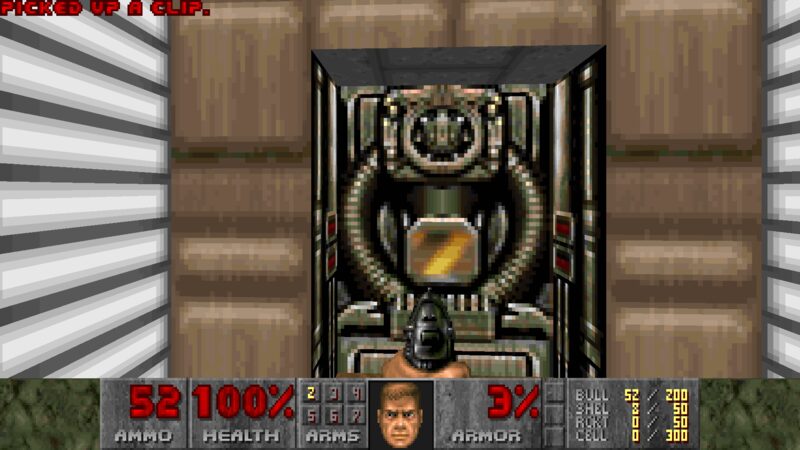
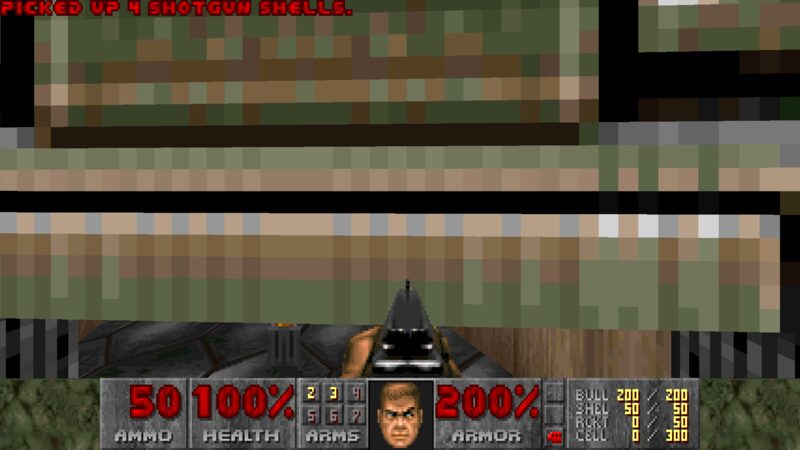
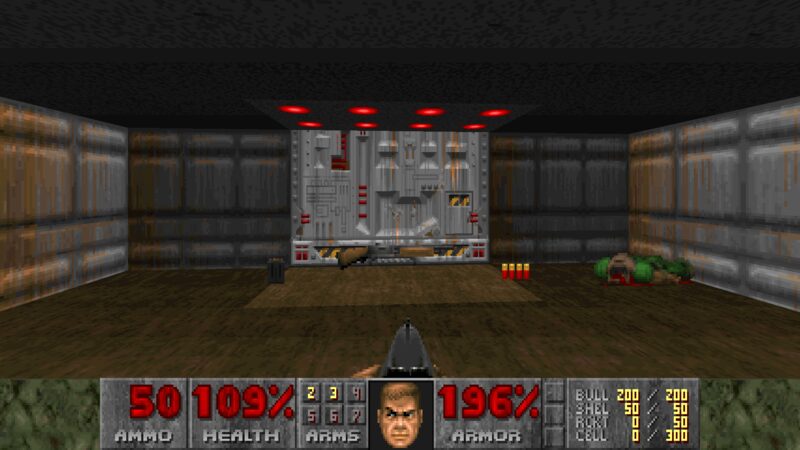
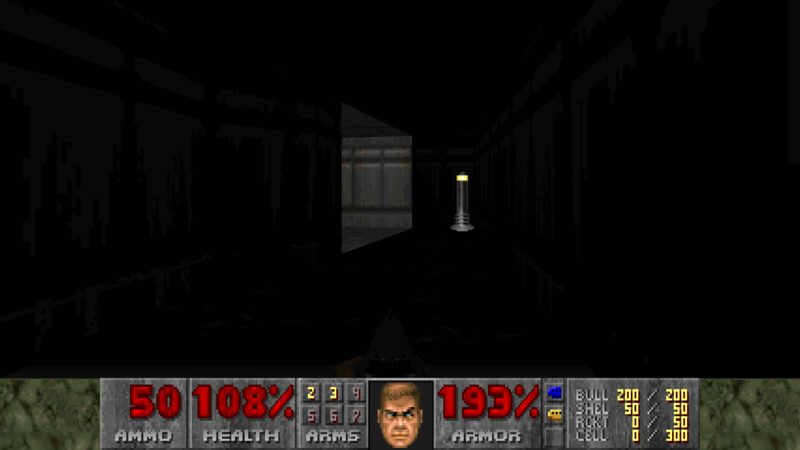
As rendered on the PS3.
Installation
In Walnut Games, the desktop app: Install, then Add game files... and pick your copy of Doom: the disc in the drive, an ISO, BIN/CUE or MDF image, an installer or a folder. The game data is not part of the package, and Walnut does not offer it.
What works: DOOM.WAD from Doom 1.9 or The Ultimate Doom: a CD, an installed copy, Steam's common/Ultimate Doom folder or the GOG installer.
More ways (a terminal, game-data-packager on any Debian system, copying the files by hand): Guides.
Or from a terminal, from Walnut's apt repository:
sudo apt install dsda-doom
Known issues
- One session so far (about 16 minutes of E1, from a DOOM.WAD): one frame took 412 ms, the only stutter that stood out; the sound was clean (no audible dropouts) with the music on.
- The gamepad was not tried in the session (keyboard and mouse only).
The game's home page: https://doomwiki.org/wiki/Doom. License: GPL-2.0-or-later engine, commercial game data.